iPhone Photography Tips for Families: How to Take Better Everyday Photos
You don't need a professional photographer at every moment. You just need to know a few things.
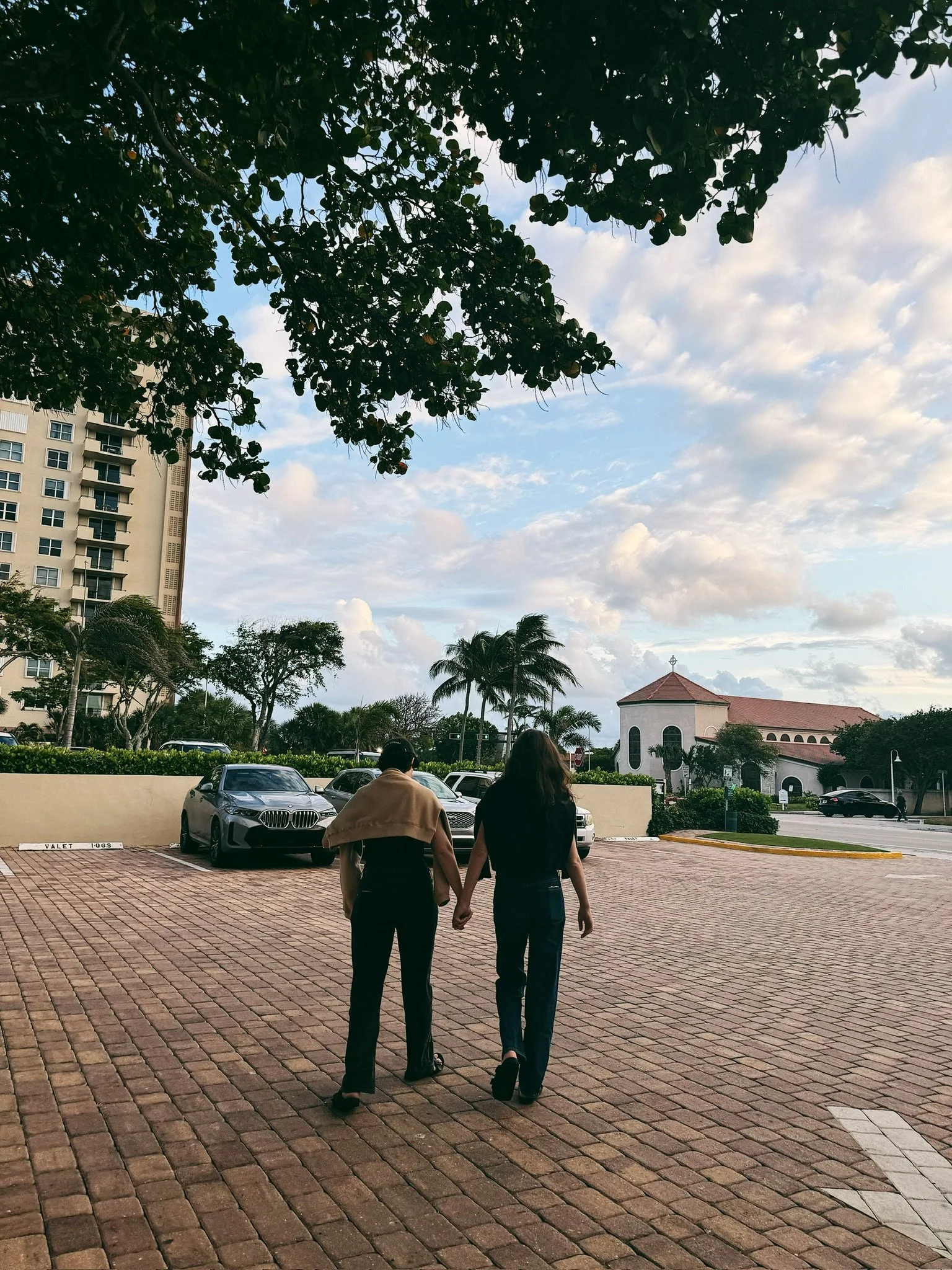
The best family photo isn't always the one taken at a scheduled session on a Saturday afternoon. Sometimes it's the one you grabbed on a Tuesday morning when the light was coming through the kitchen window just right and your kid did something unrepeatable.
Your iPhone is capable of more than you think for documentary photography. Here's how to actually use it.
Overshoot. Seriously.
This is the number one thing I tell anyone who asks me for photography advice. Professional photographers don't take one frame and move on — we take thirty and choose the best one. Give yourself the same permission. iPhone Burst mode exists for a reason. Take ten photos of the same moment and delete nine of them later. Storage is cheap. Missed moments are not.
Talk to your subjects. Really talk to them.
"Say cheese" is the enemy of a great photo. To capture authentic family moments instead, ask your kid to show you their silliest face, whisper something ridiculous in your partner's ear, or tell everyone to do their worst impression of the family dog. That genuine laugh that comes out of "okay let's do a silly one" will beat a posed smile every single time. The goal is to make them forget you're holding a camera.
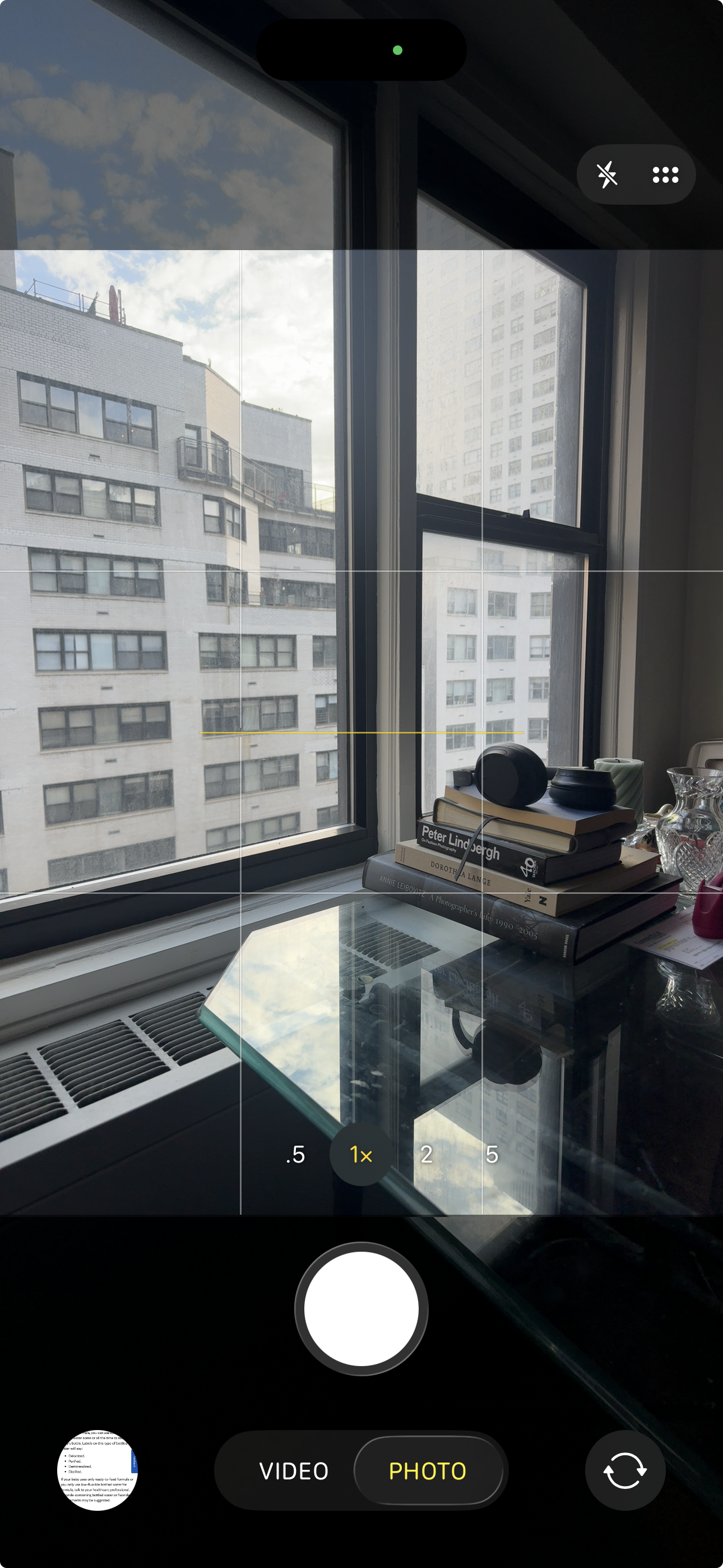
Turn on your grid
Go to Settings → Camera → Grid & Level and turn them on. This does two things: it helps you keep your horizon level (even as a professional photographer I cannot shoot straight without it), and it shows you the rule of thirds — the invisible lines that help you place your subjects in a way that feels naturally balanced and interesting. Center works. Off-center often works better.
Use Portrait Mode thoughtfully
Portrait mode, the one that blurs the background, can make an everyday iPhone photo feel genuinely polished. It works best in decent light and when your subject is a few feet away from you. Where it struggles is with fast-moving kids and tricky edges like flyaway hair. Use it for quieter moments (like a child reading or a couple sitting still) and switch back to regular photo mode when the chaos level goes up.
Edit simply and consistently
You don't need to be a photo editor. Download VSCO or Lightroom Mobile and find one filter you like. Apply it lightly. Add a little contrast, a touch of sharpening, maybe a subtle warm or cool tone. The goal isn't to transform the photo, it's to give your camera roll a consistent, cohesive feel so that when you look back at it, it looks intentional rather than accidental.

The best light is free
You don't need special equipment for good light. You just need a window. Soft natural light from the side of a face is flattering on everyone. Turn off harsh overhead lights when you can, move toward the nearest window, and watch what happens. Golden hour (roughly the hour before sunset) works both indoors and outdoors. It's warm, soft, and genuinely hard to take a bad photo in.
Your everyday moments are worth documenting well. Not because every Tuesday needs to be a photo shoot, but because those ordinary moments are exactly what you'll want to remember.
If you'd love professional family photos in NYC, I'd love to help with that too.
📸If you're looking for a NYC wedding, engagement, or family photographer who focuses on real, documentary-style moments, I’d love to connect.